The AI ad studio for brands
One product photo.A whole set of ads.
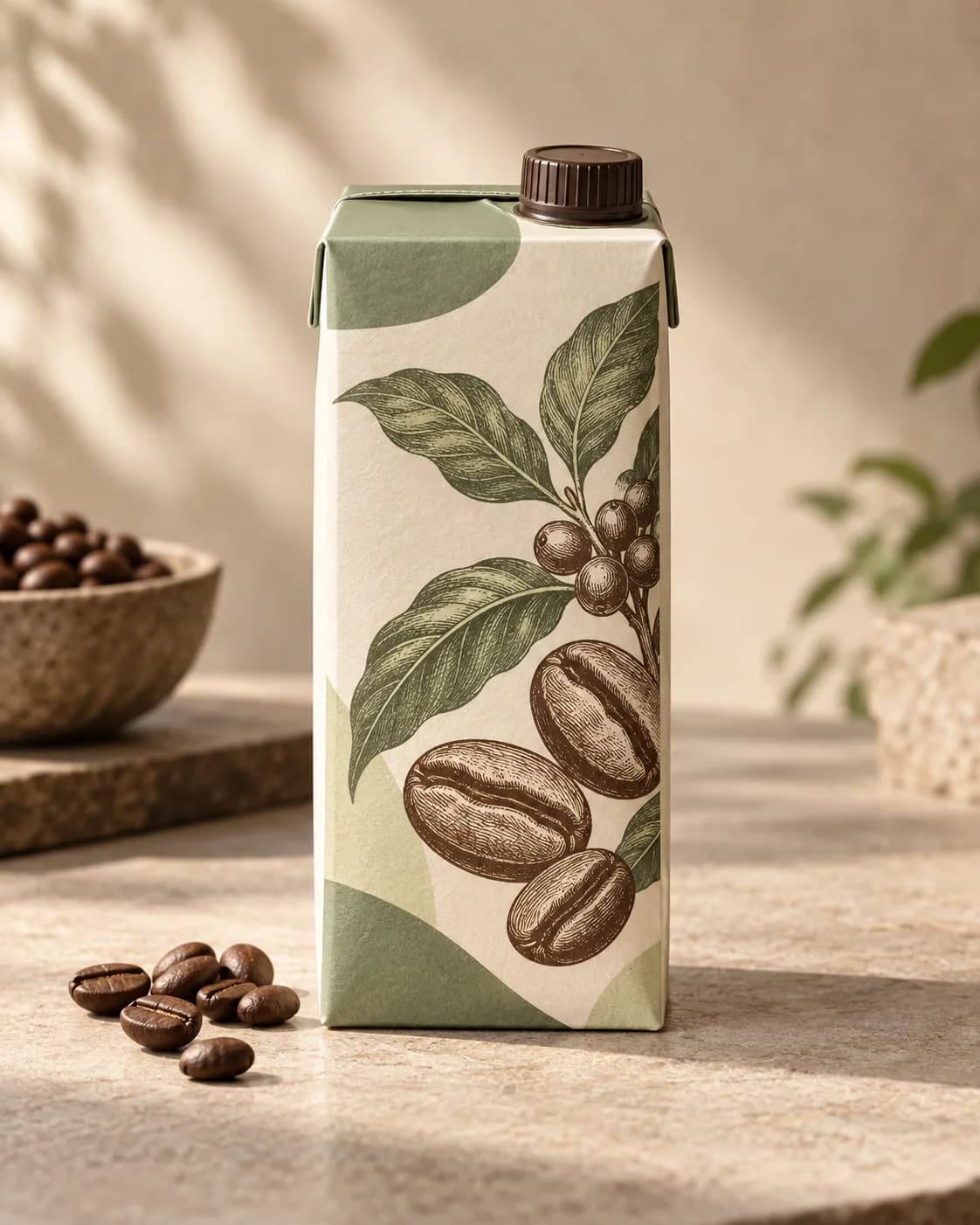
 Commercial
After a run, skip the sugar.
 Warm lifestyle
No sugar. Nothing missing.
 Retro film
Zero sugar. Still worth a fight.
- AFirst sip after the run
- B3 p.m. at the desk
- CThe last one in the fridge
Why elements come first
Three ways AI ads go wrong
Warped productsPhotos are copied, not redrawn
Your photo is the reference. Storyboards and video copy its packaging, text and proportions; the model never draws its own.
Shifting facesOne set of references for every shot
Characters, objects and places each have reference images, and every shot starts from the same set. New film, new style, still the same person.
Off-brand toneOne brand profile sets the voice
Audience, voice and no-gos live in the brand profile; selling points live on each product. Every direction and script is written to them, and one product's claims never end up on another.
Element library
Build your elements once. Shoot them in any style.
Products, logos, mascots, spokespeople, shopfronts: anything that has to look the same in every film is an element. Use a photo as the reference as it is, or let AI turn it into a multi-angle reference sheet. Style, frame and length belong to each film, so the same elements can be a vertical live-action spot today and a widescreen film-look piece tomorrow.
- ObjectCold brew 250mlPhoto
 CharacterThe morning runnerGenerated
 LocationStreet corner at dawnGenerated
- Spring launchCommercial · 9:16 · 15s
- Brand storyRetro film · 16:9 · 30s
- UnboxingWarm lifestyle · 9:16 · 10s
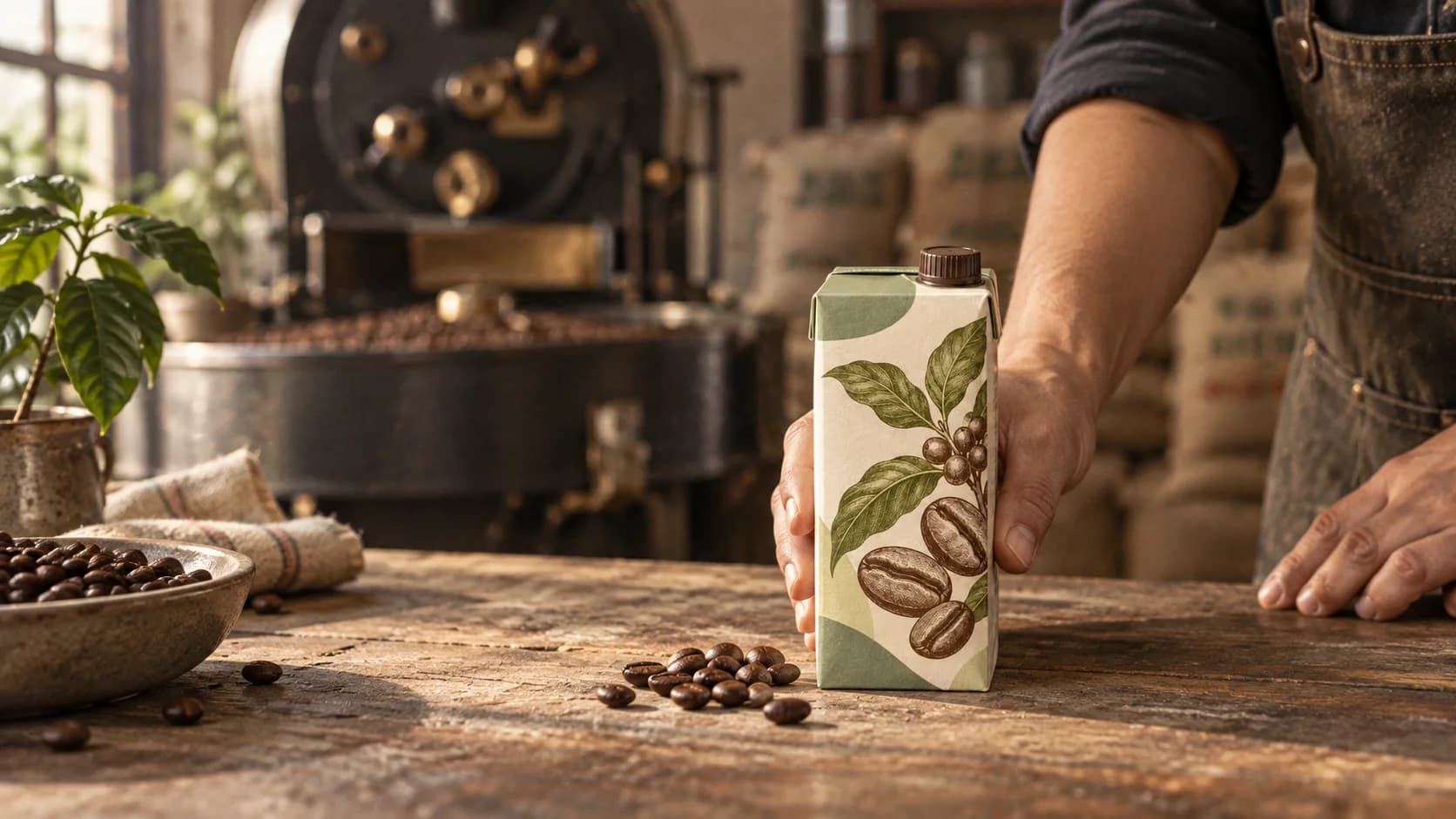
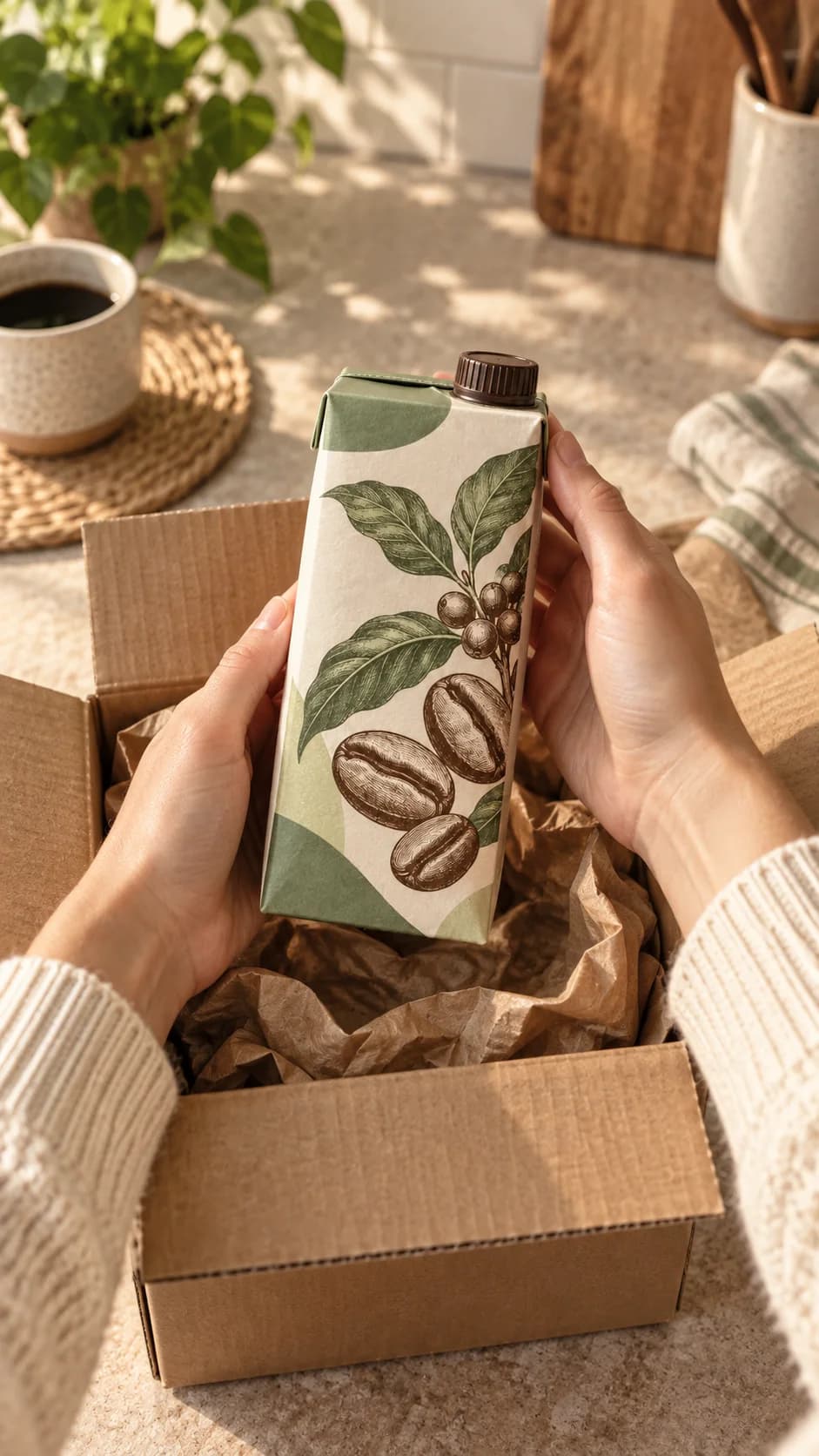
How it works
One library under every film
The element library belongs to the brand and every film shares it. Each new film starts from a brief, and each step builds on what the last one settled.
01
Element library
Add products, logos, characters and places. Use a photo as the reference directly or let AI tidy it into a multi-angle sheet, then add versions as you need them.
02
Brief & directions
Write the point this film lands, its goal and call to action, and pick its style, frame and length. You get three directions; choose one and the script is written from it.
03
Storyboard & video
The script is split into shots, each linked to the elements it shows. Approve a storyboard frame before generating video. Every attempt is kept, so you can always switch back.
04
Voice
Pick voices for the narrator and each character, then generate line by line. Redo one line without touching the rest.
05
Edit
Arrange and trim clips on a timeline, add captions, images and music, and preview it right in the browser.
06
Export
Export a vertical or widescreen MP4 that looks exactly like the preview. Your end-card disclaimer and an AI-generated label are burned in when you want them.
Who it's for
For teams that ship ads every week
- E-commerce and DTC brands
- Launches, sales and everyday posts: tell the same product from a new angle without a new shoot each time.
- Agencies and content teams
- One brand profile per client for audience, voice and no-gos, and each product carries its own selling points, so whoever picks it up stays on brief.
- Founders
- No crew needed. Decide what the film has to say and AniKuku Brief does the rest. You pick and polish.
Your next ad starts with a photo.
Upload a product shot or your logo, write one line on what to sell, and see your first creative directions.
- Photos copied, never redrawn
- 10–120 s, vertical or widescreen
- Nothing to install